 Change currency
 USD
USD  EUR
EUR
If you’re new to 3D modelling and want to create your own designs, the first step is choosing software that suits the type of models you want to make. Different tools are built for different styles of work, so picking the right one makes everything easier.
There are two main styles of 3D design:
Sculpting tools are used for organic shapes — characters, miniatures, jewellery, creatures, curved forms, anything artistic or free‑flowing.
Popular sculpting tools include:
ZBrush
Blender (free)
Maya
Cinema 4D
These programs let you “push and pull” digital clay to create detailed shapes.
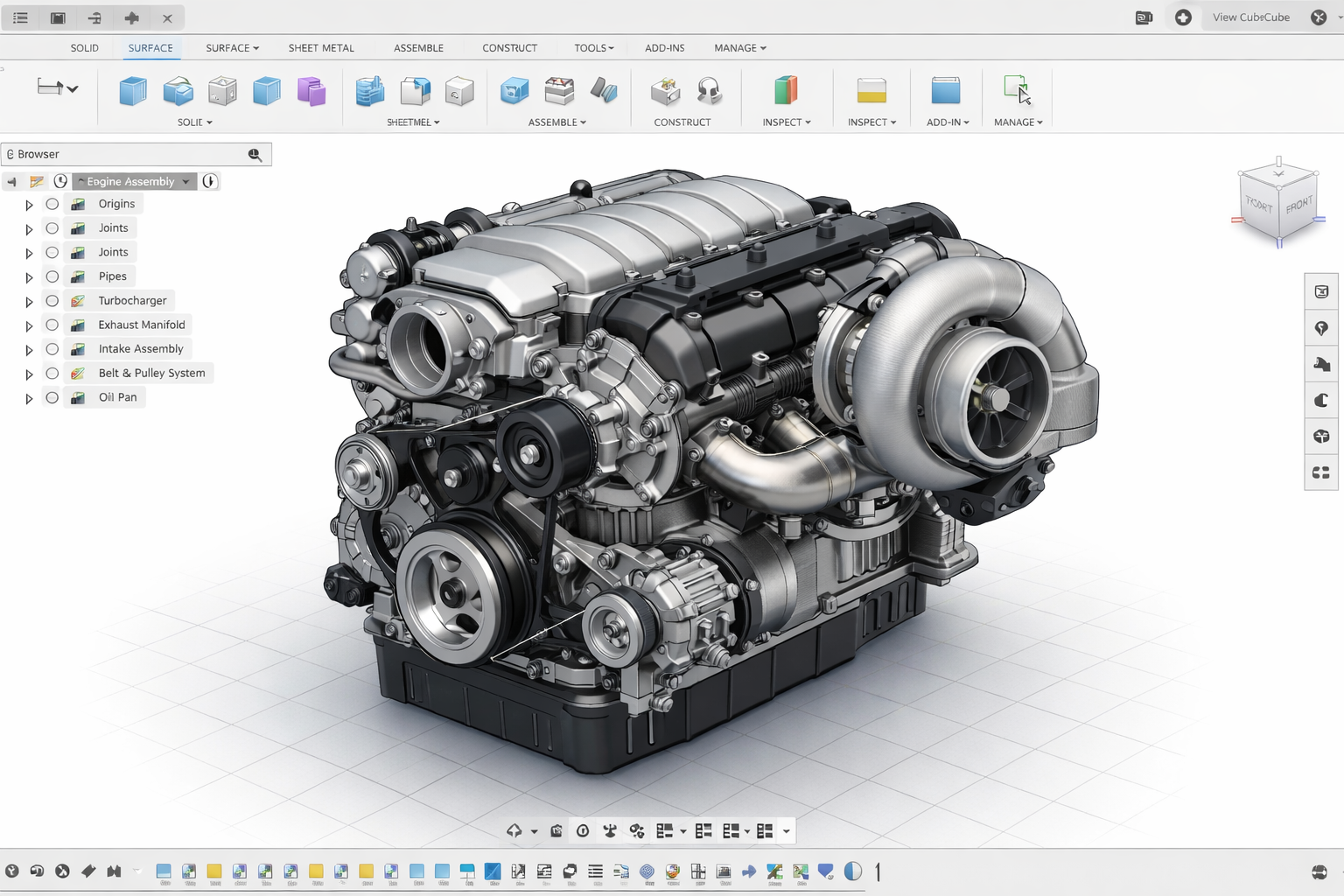
CAD tools are used for precise engineering parts — brackets, housings, mechanical components, prototypes, functional objects, and anything that needs exact measurements.
Popular CAD tools include:
SolidWorks
Autodesk Fusion
Onshape
TinkerCAD
CAD software is built for accuracy, tolerances, assemblies, and real‑world fitment.
No matter which style you choose, the most important requirement is simple:
STL is the standard format used for slicing and 3D printing. Almost all modern design programs support STL export, so you can choose the tool that fits your workflow.
If you’re completely new, start with something simple:
Autodesk Fusion for CAD
Blender for sculpting
Both are widely used, well‑supported, and beginner‑friendly.
As you gain confidence, you can explore more advanced tools depending on the type of work you want to create.
There is no “best” software — only the best software for the kind of models you want to make. Pick the one that matches your style, learn the basics, and build from there.